
Forvaro: Private Warehouse
A fully offline home inventory app.
No ads. No subscriptions. Pay once, use forever.
Zero permissions, no cloud, no accounts.
Your belongings, your device, your privacy.

See it in action
Everything you need to track your stuff
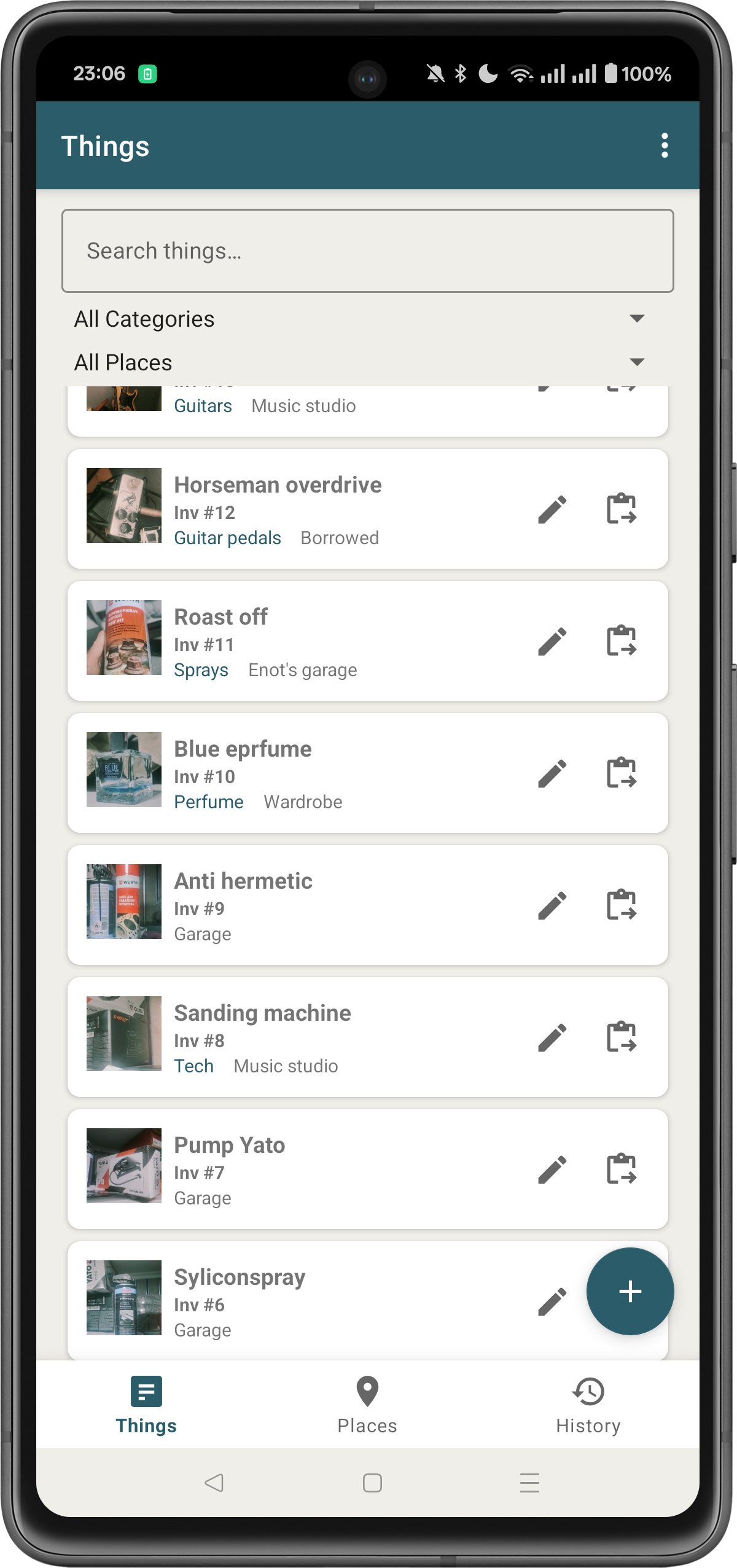
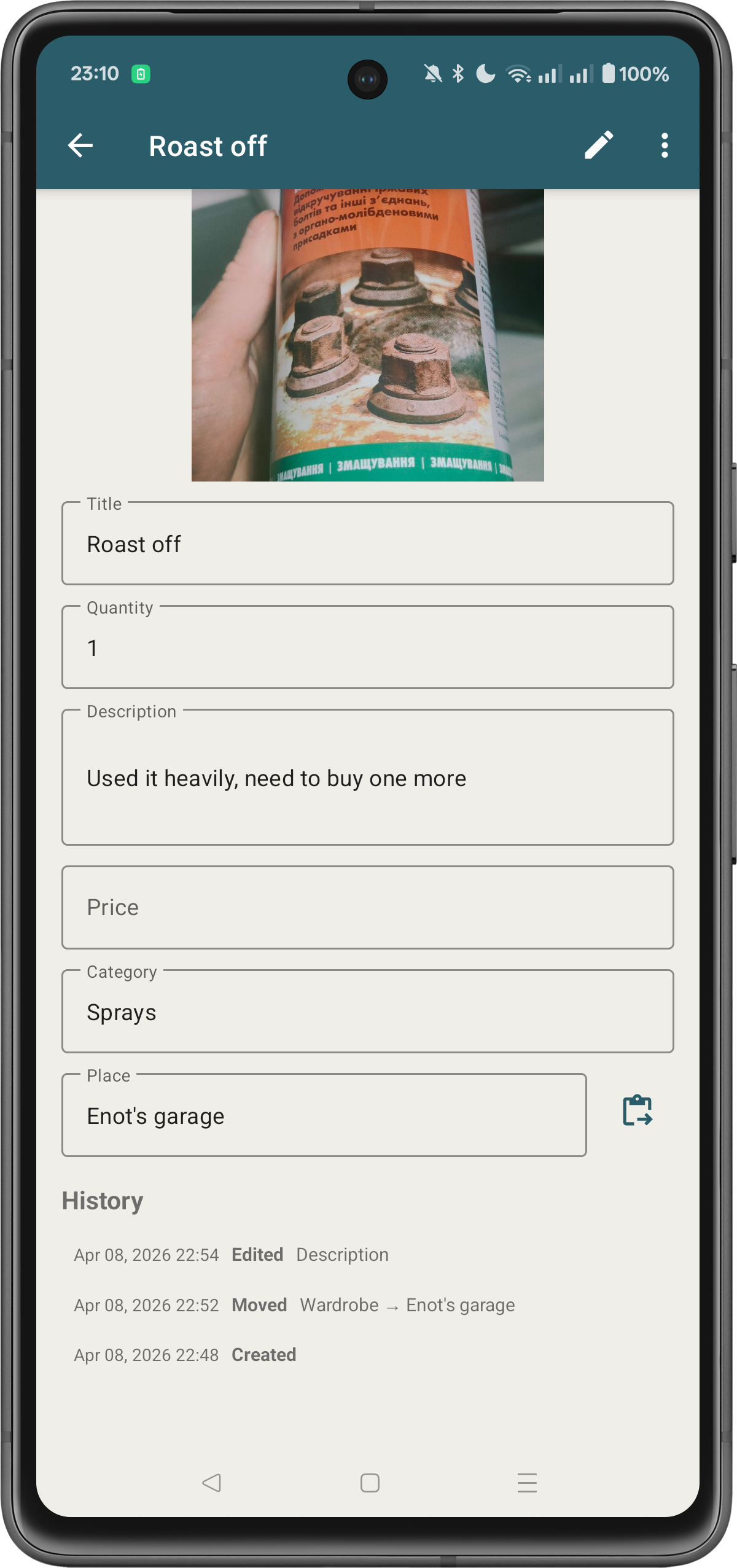
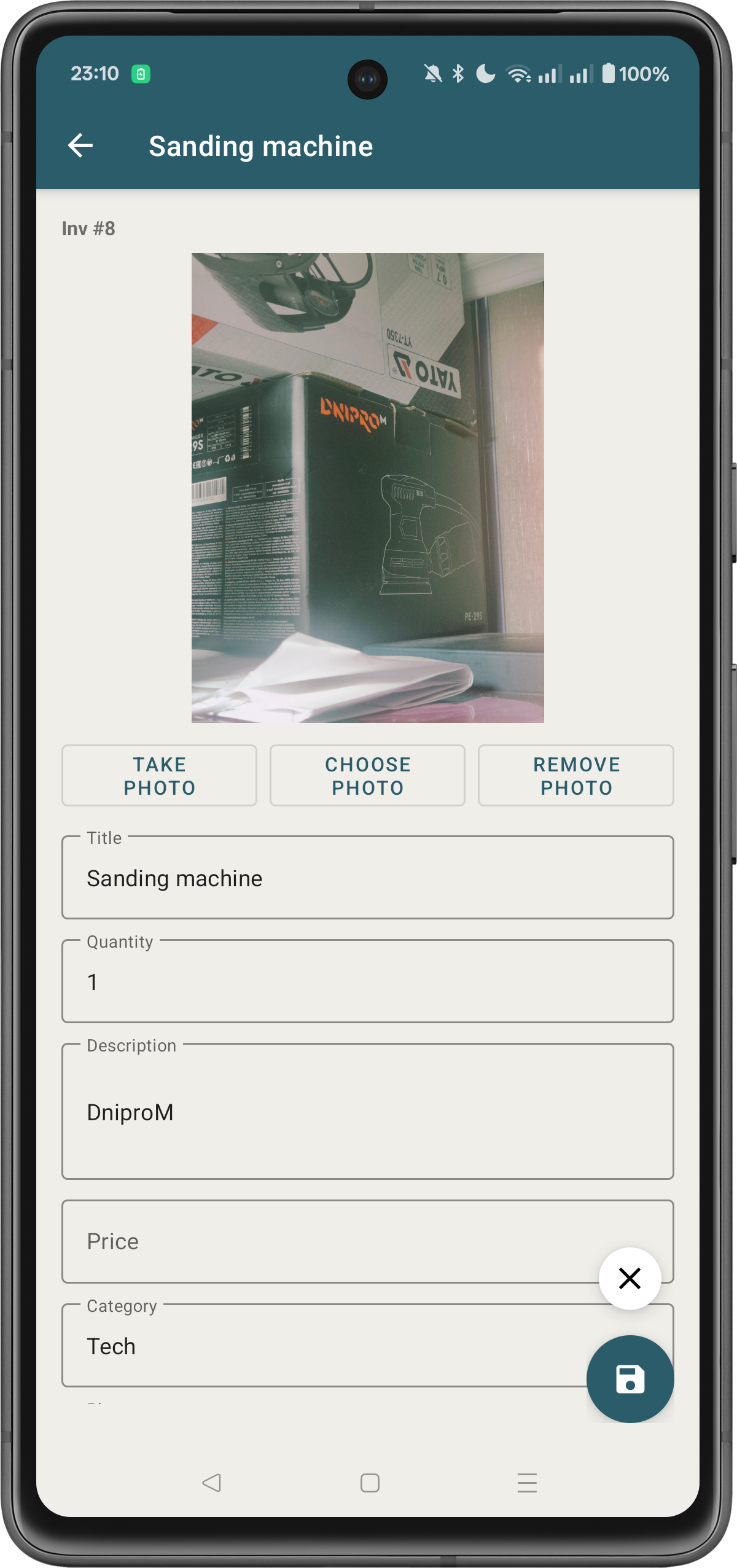
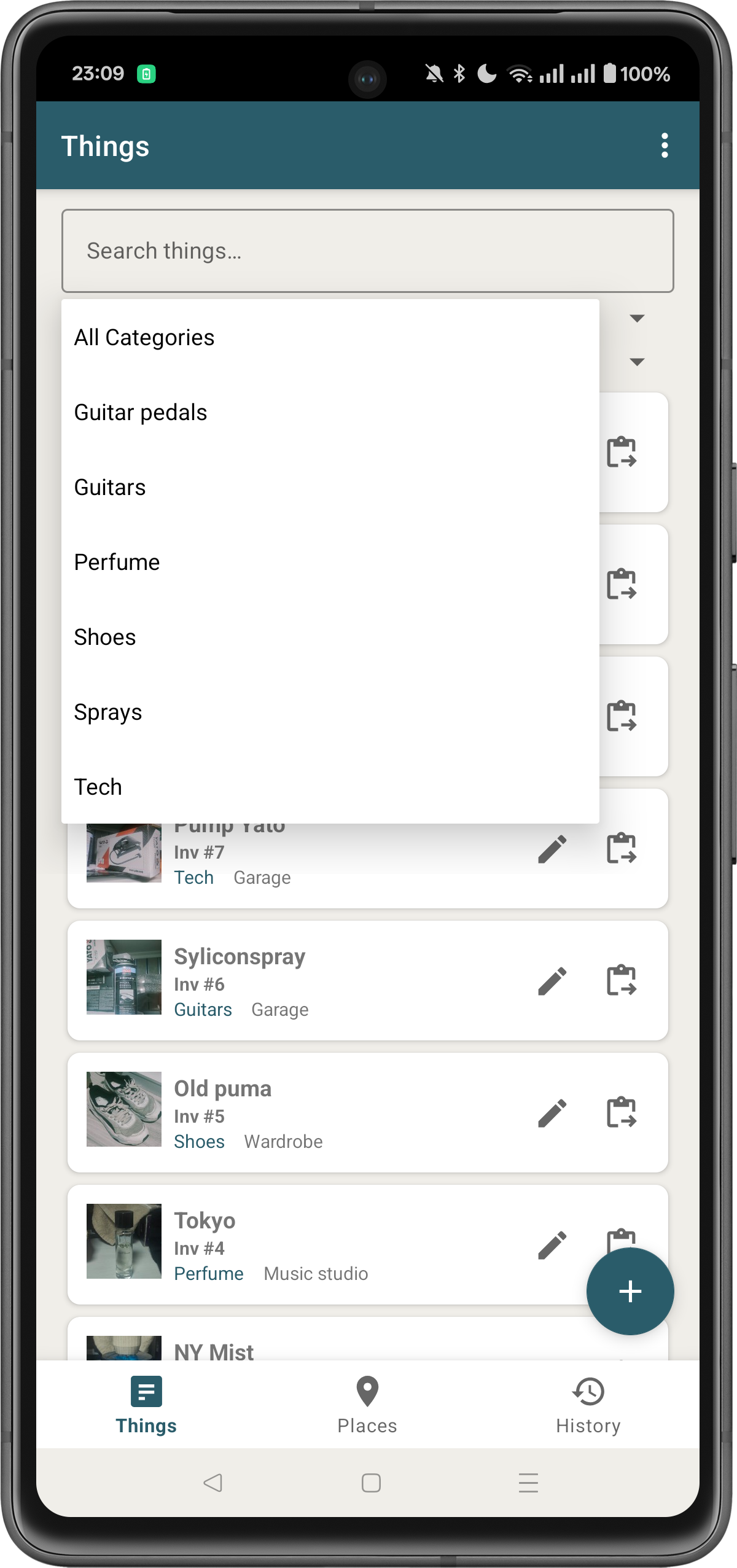
Catalog Items
Add things with photos, descriptions, quantities, prices, and automatic inventory numbers.
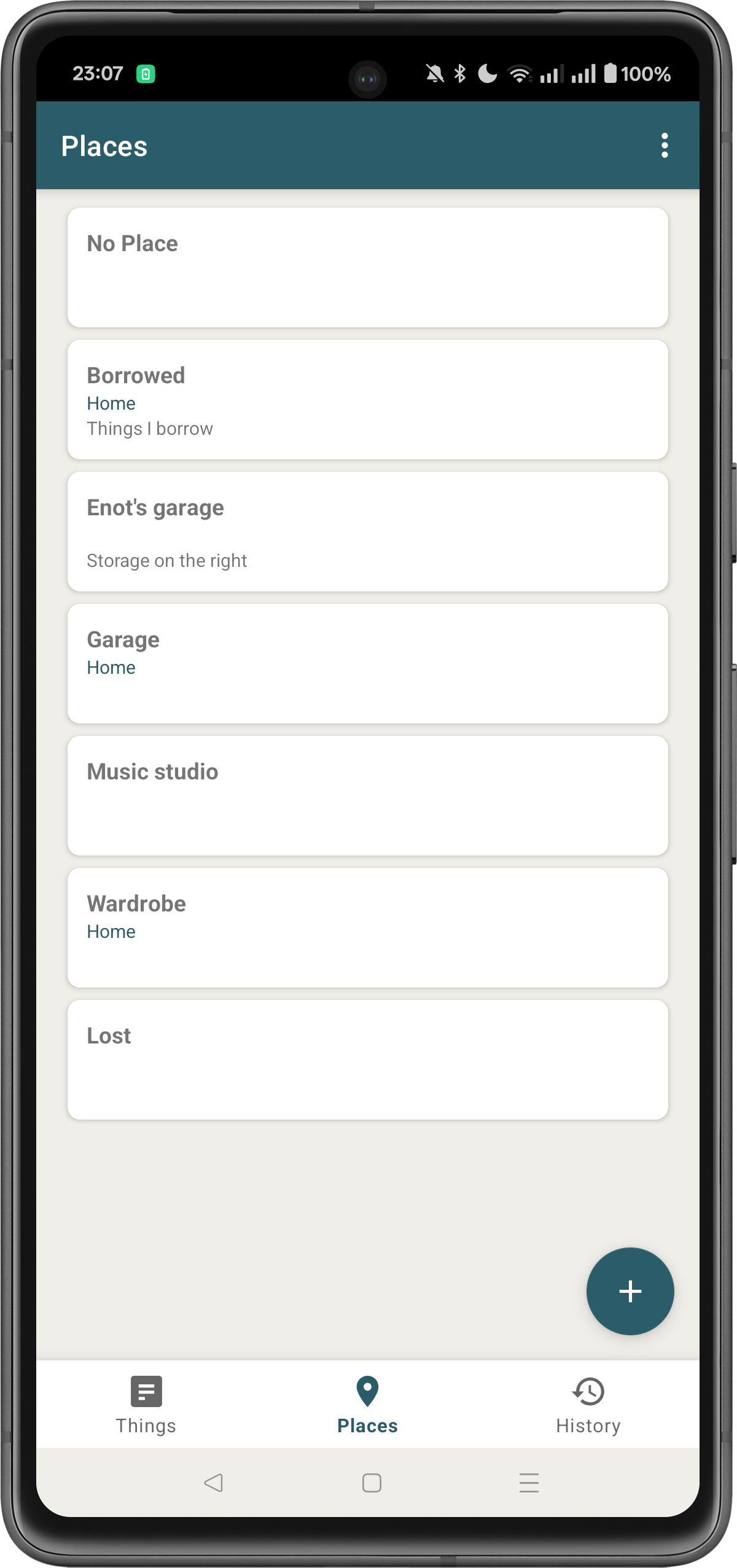
Organize by Place
Create places and place groups. See at a glance what's stored where.
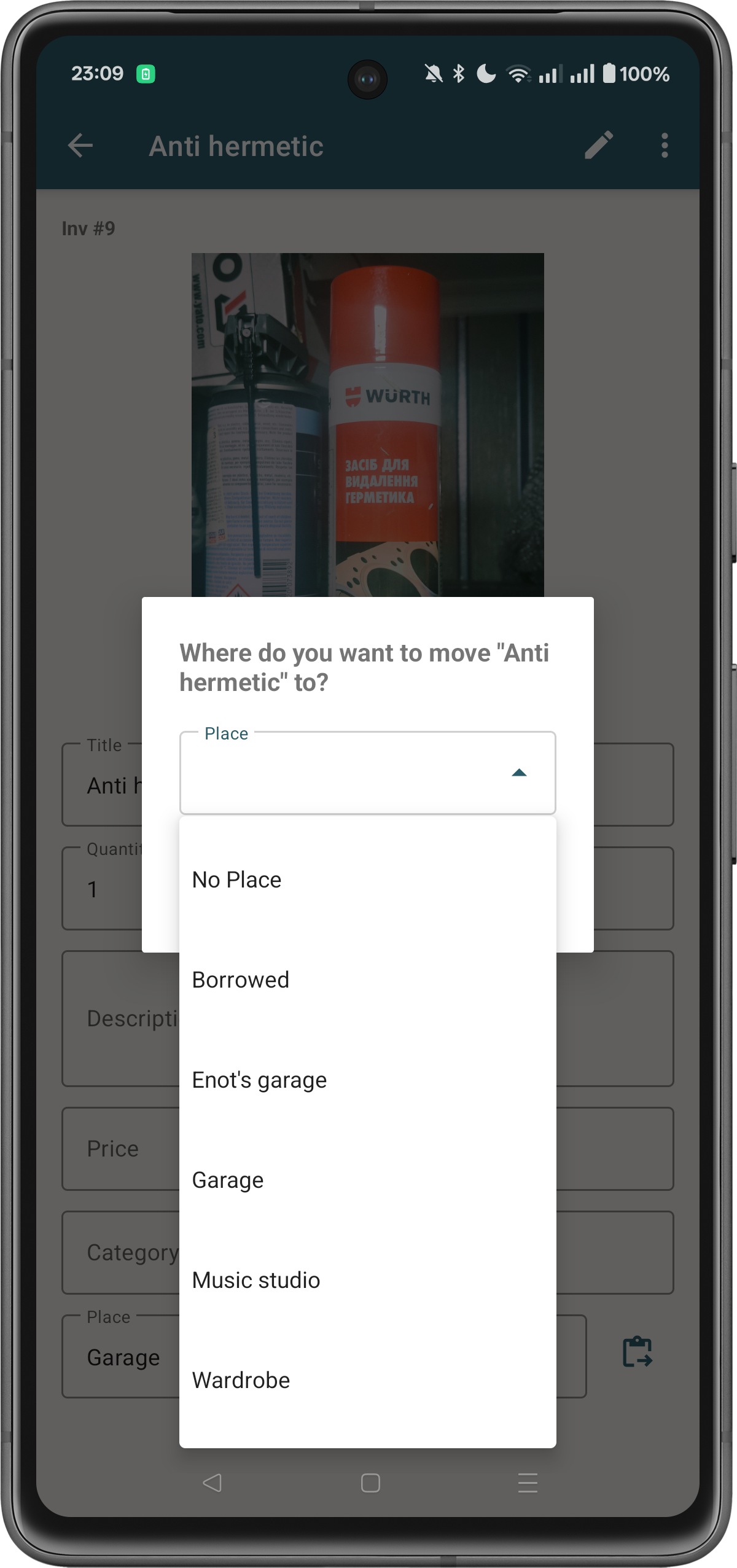
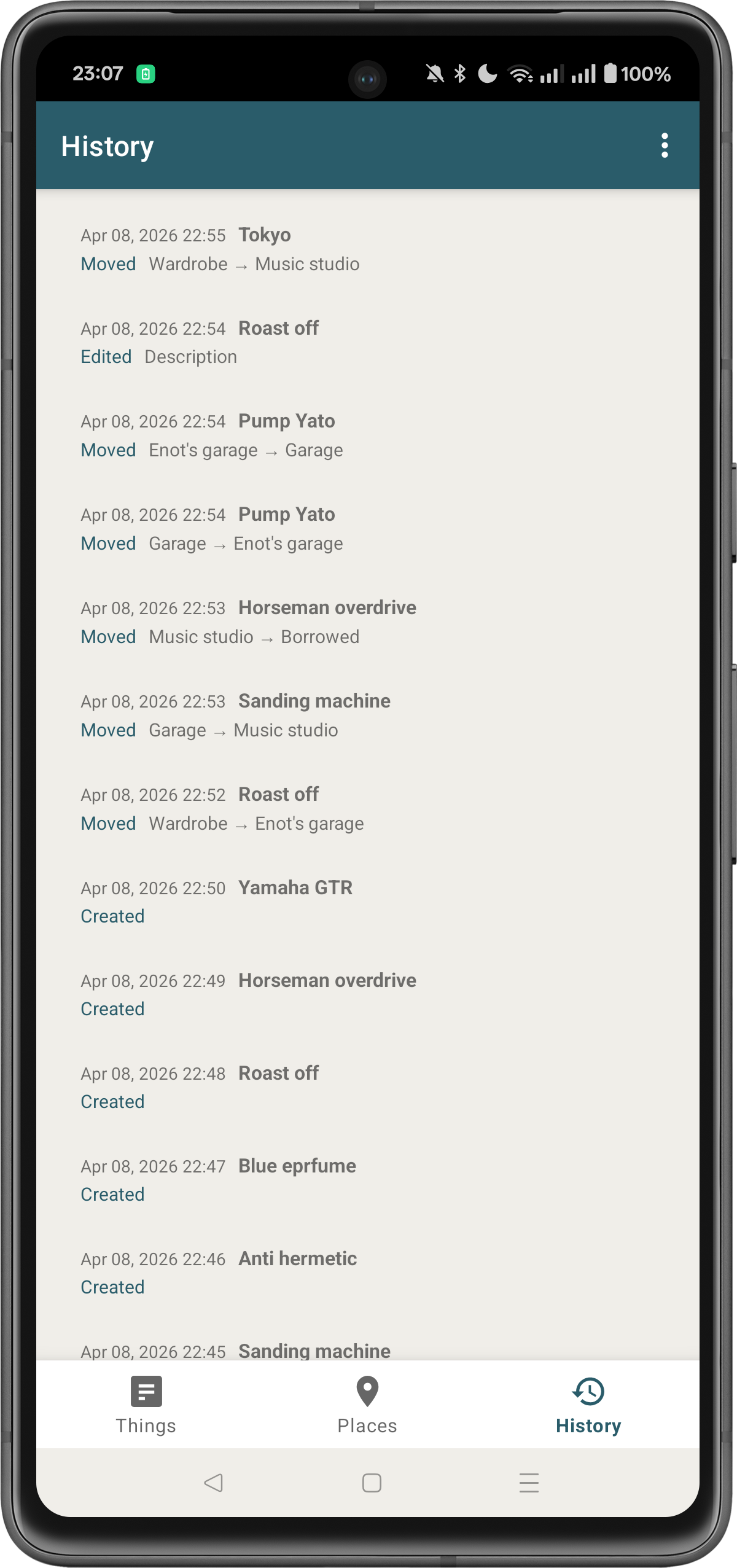
Move Things
Relocate items between places with a single tap. Full move history is tracked.
History Log
Every create, move, and edit is recorded. See exactly what changed and when.
Search & Filter
Find anything instantly. Filter by category, place, or search across all fields.
Export Data
Export your full inventory to CSV or PDF and share via any app on your device.
Built for privacy from the ground up
Zero Permissions
The app requests no permissions at all. Verifiable on Google Play.
No Internet
Works completely offline. No servers, no cloud sync, no data collection.
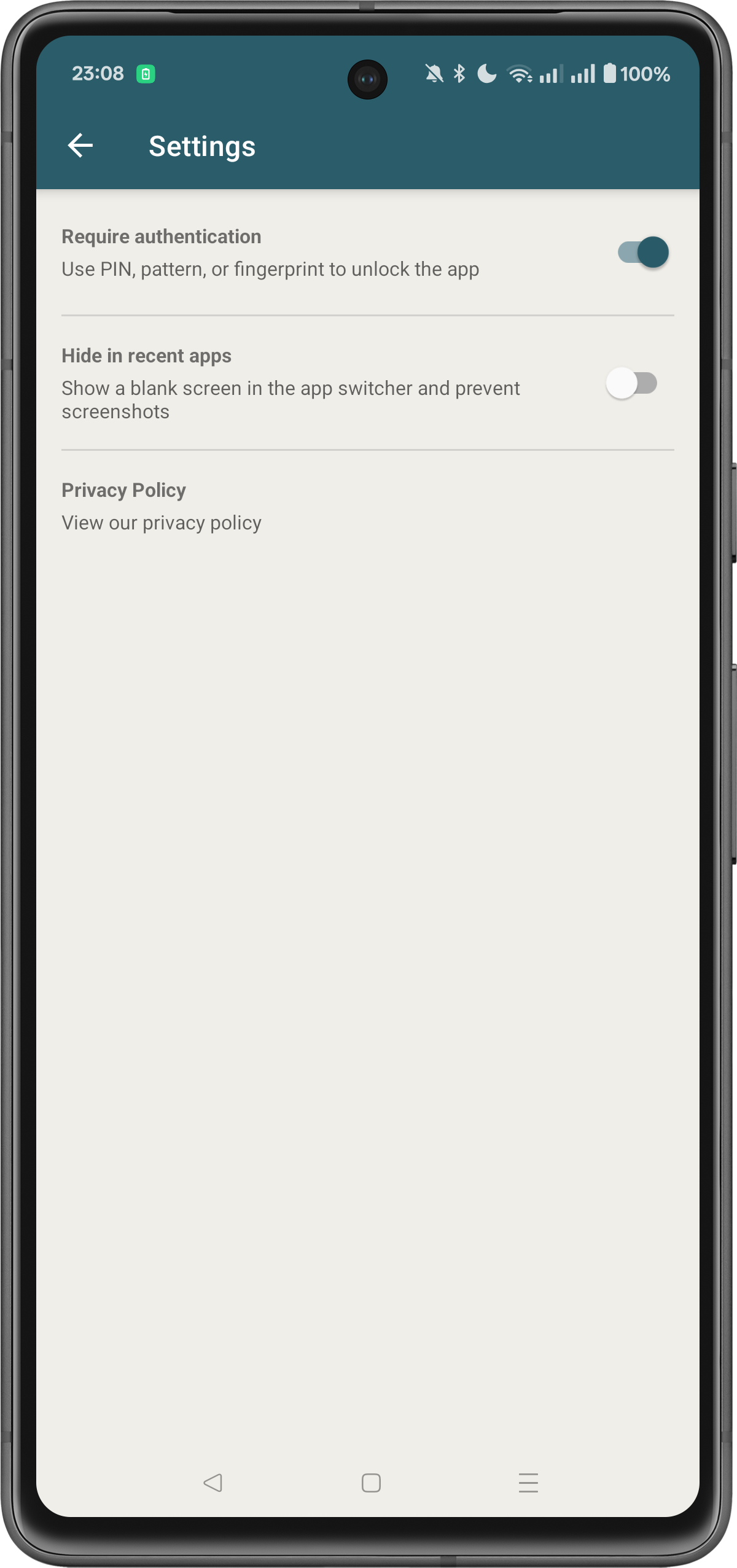
Biometric Lock
Protect with your device PIN, pattern, or fingerprint.
Screenshot Protection
Optional FLAG_SECURE hides the app from recent apps and blocks screenshots.
Give your old phone a new purpose
Got a spare Android phone or tablet in a drawer? Turn it into a dedicated home inventory station. Forvaro is built for exactly this.
No internet needed
Works without a SIM card, data plan, or Wi-Fi. Just install and go.
Zero permissions
No security concerns — even on a device that no longer receives updates.
Runs on Android 7.0+
Supports devices from 2016 onwards. Your old phone is more than enough.
Frequently Asked Questions
Does Forvaro: Private Warehouse require an internet connection?
No. Forvaro: Private Warehouse works completely offline. There are no servers, no cloud sync, and no data collection. Your inventory data never leaves your device.
Is Forvaro: Private Warehouse a subscription or one-time purchase?
Forvaro: Private Warehouse is a one-time purchase. There are no subscriptions, no in-app purchases, and no ads. Pay once, use forever.
What permissions does Forvaro: Private Warehouse need?
Zero. Forvaro: Private Warehouse requests no permissions at all. You can verify this on the Google Play listing. Photos are handled through Android's built-in photo picker, which doesn't require storage permissions.
Where is my data stored?
All data is stored locally on your device in the app's private storage. No data is sent to any server. You can export your inventory to CSV or PDF at any time.
What Android version is required?
Forvaro: Private Warehouse requires Android 7.0 (Nougat) or higher. It supports phones and tablets with responsive layouts optimized for different screen sizes.
Can I use Forvaro: Private Warehouse on an old phone?
Yes! Forvaro: Private Warehouse runs on Android 7.0 (2016) and newer. It works without internet, SIM card, or any permissions — making it perfect for repurposing an old phone or tablet as a dedicated home inventory station.
Ready to organize your home inventory privately?